
Dashboard is at https://dashboard.webp.se/login, we support login with GitHub only.

Once you've logged in with GitHub, you can create your first Proxy.
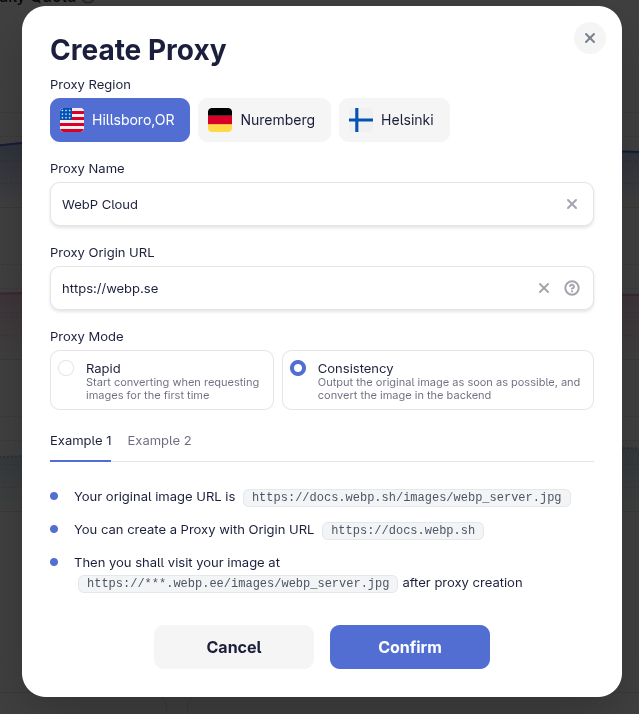
For example, if your image is at https://webp.se/images/public-services/webp-wordpress.png, then you should fillin https://webp.se in Proxy Origin URL field.
After creation, you'll find a new address, in the example below, it's https://559a238.webp.ee.
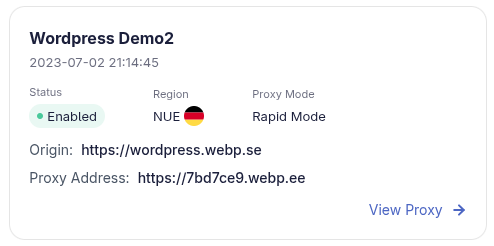
Now you can make request to https://559a238.webp.ee/images/webp-wordpress.png for a WebP optimized image.
https://559a238.webp.ee/images/webp-wordpress.pngResponse headers
- accept-ranges
- bytes
- access-control-allow-origin
- *
- content-length
- 75422
- content-type
- image/avif
- etag
- W/"162561-1EA12D1D"
- x-compression-rate
- 0.46
- X-Firefox-Spdy
- h2
- x-powered-by
- WebP Cloud Services (NUE)
- x-webpcloud-cache
- Hit
- x-webpcloud-cost
- 0
- x-webpcloud-fetch-cost
- 0
In order to change all your images url on website to new address, please refer to Access page.
Proxy Mode
⚡ Rapid Mode
On the first request, WebP Cloud will convert and optimize the image before returning it.
First request: WebP Cloud fetches the origin, converts it, then returns the optimized image.
https://xxx.webp.ee/path/to/image.jpgimage/webp · Wait, then optimizedhttps://some.origin.tld/path/to/image.jpgimage/jpeg · Fetch and convertLater requests are served from cache. The origin is not contacted.
https://xxx.webp.ee/path/to/image.jpgimage/webp · Render through cache- Best for API-style use cases.
- Guarantees users always get optimized images.
- This is the current behavior for all existing proxies.
🔄 Consistency Mode
On the first request, WebP Cloud will return the origin image immediately (after lightweight processing like EXIF removal or cropping), while the full optimization happens asynchronously in the background.
First request: the visitor receives the origin image right away, while WebP Cloud keeps optimizing it.
https://xxx.webp.ee/path/to/image.jpgimage/jpeg · Return immediatelyhttps://some.origin.tld/path/to/image.jpgimage/jpeg · Optimize in backgroundA later request hits the cache and returns the optimized image.
https://xxx.webp.ee/path/to/image.jpgimage/webp · Optimized from cache- Best for high-concurrency, large-scale traffic scenarios.
- Ensures instant responsiveness on first access.
- Subsequent requests will hit the cache and return the optimized version.
| Feature | Rapid | Consistency |
|---|---|---|
| First request | Waits for conversion, then returns optimized image | Returns origin immediately (lightly processed), optimizes in background |
| Experience | Always optimized, slightly slower on first access | Instant first access, optimized on later requests |
| Best for | API usage, strict quality requirements | High concurrency, large-scale traffic |
| Core value | Quality-first | Speed-first + Eventual consistency |
Refer to WebP Cloud Introduces Mode Selection — Rapid (Instant Optimization) and Consistency (Eventual Optimization Mode) for more details.

Live Demo
Original Image
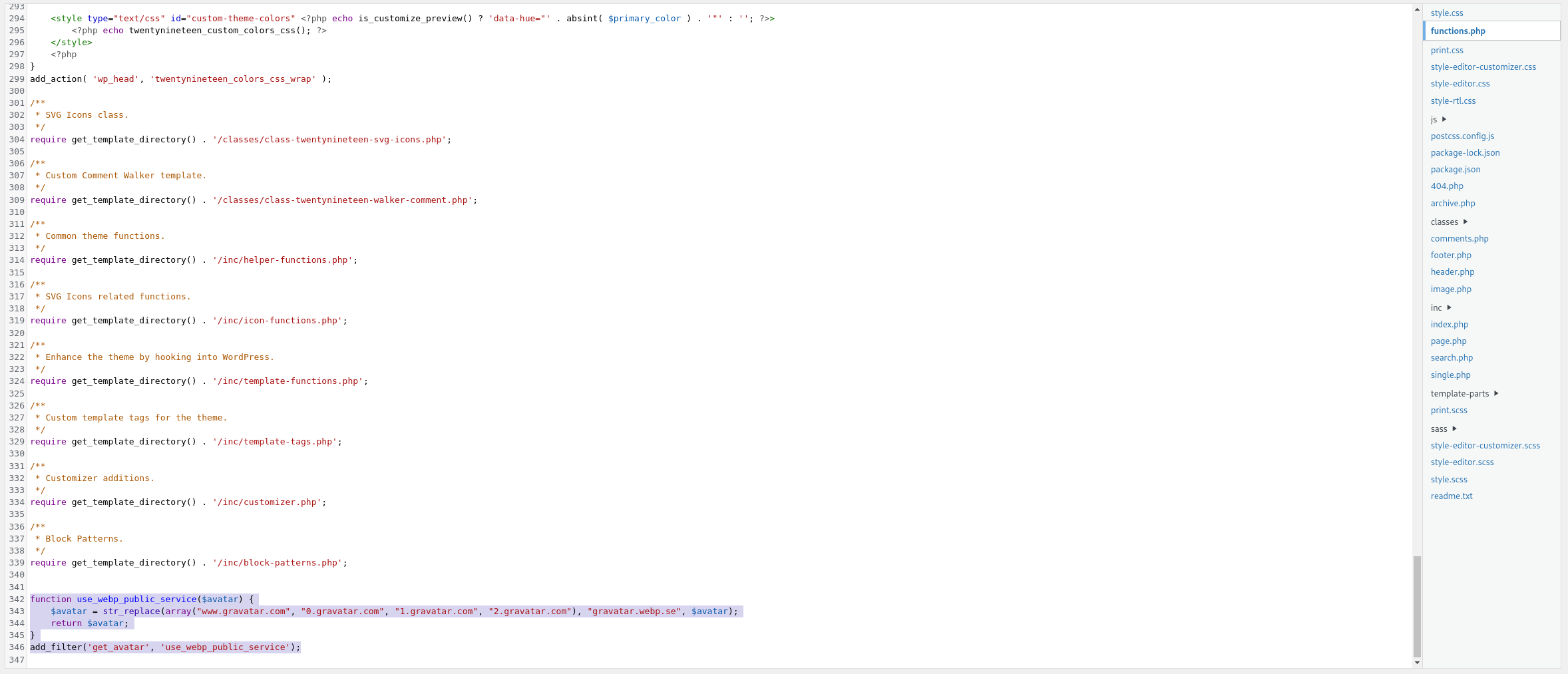
https://webp.se/images/public-services/webp-wordpress.pngWith WebP Cloud

https://559a238.webp.ee/images/webp-wordpress.pngWith WebP Cloud and ?width=100

https://559a238.webp.ee/images/webp-wordpress.png?width=100Custom Domain
https://559a238.webp.ee/ is tooooo long for you, and you want to use your domain like https://webp.your-domain.tld?
No problem! We support custom domain as a paid plan, see Custom Domain for more info.