This feature is currently in beta stage and may encounter bugs🐛, please contact us immediately if you met them.

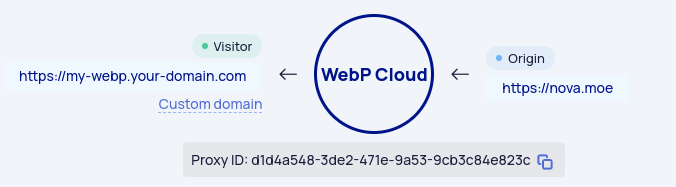
Don't you think the domain https://559a238.webp.ee/ is tooooo long for you, and you want to use your domain like https://webp.your-domain.tld?
No problem! Currently if you want to use custom domain, you need to do the following:
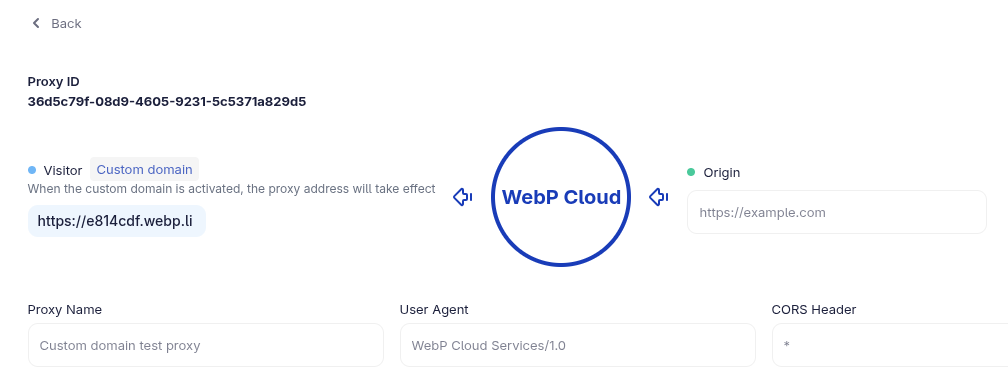
- Create a new Proxy with same configuration, so the old address (
xxxx.webp.ee) will not fail when switching. (optional)
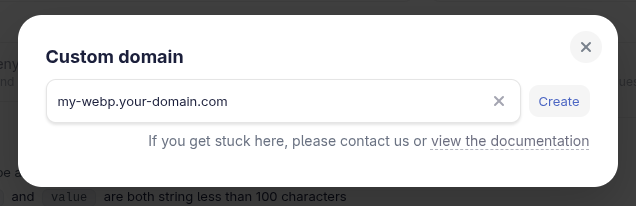
- Click "Custom Domain" and enter your wanted domain:
- Create CNAME and TXT records, once done, please click "I have setup above DNS records"
- Wait until "pending" becomes "ready".
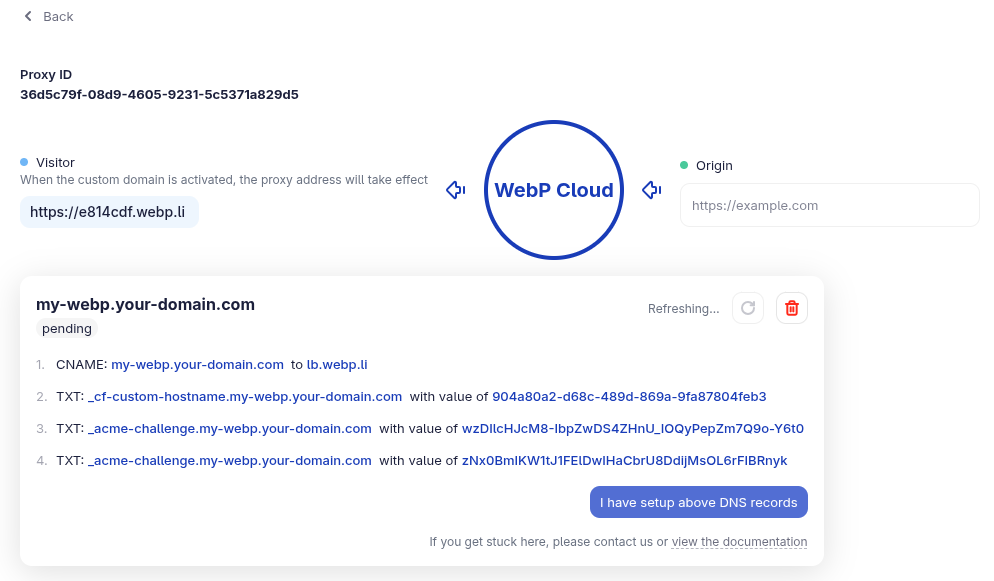
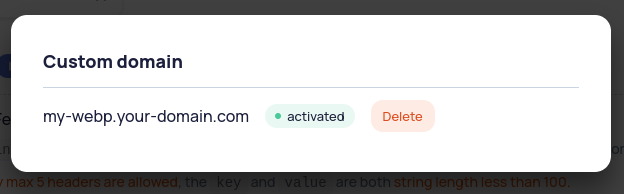
- Once you're ready to switch, click "Activate", then your proxy is available in your custom domain
This process should normally takes about 3~5 minutes, but can be as long as 24hrs due to DNS propagate.
If it's stuck here, please contact us and we'll take a look.
Enjoy!